Takehound
Guides
I'm Kyle. I built Takehound, and I'm not a coach or an editor.
-
Comparison
AI video editors for talking-head videos, comparedSix tools side by side: where B-roll comes from, reasons, timeline export and price, with dated prices.
-
Comparison
Descript alternative with B-roll from your own footageDescript records and edits by transcript, with stock and generated B-roll. Row by row, with dated prices.
-
Comparison
Gling alternative for talking heads with your own B-rollGling cuts bad takes and silences for YouTube at a low price. Row by row, with dated prices.
-
Comparison
Visla alternative with B-roll only from your own footageVisla makes videos for business teams with stock, generated clips and avatars. Row by row, with dated prices.
-
Comparison
ChatCut alternative for long talking-head videosChatCut edits by prompt, also from a coding agent, with generated shots. Row by row, with dated prices.
-
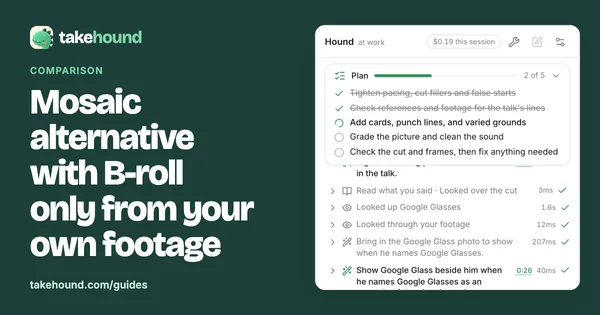
Comparison
Mosaic alternative with B-roll only from your own footageMosaic's video agent mixes your footage with stock and generated material, for teams. Row by row, with dated prices.
-
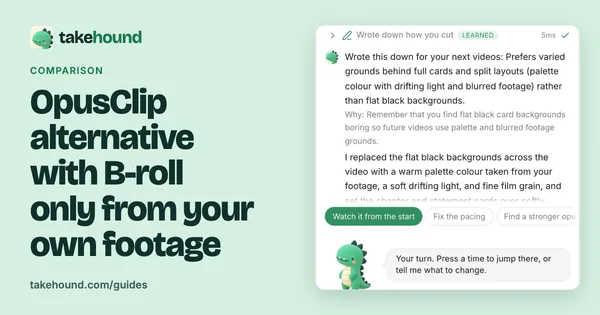
Comparison
OpusClip alternative with B-roll only from your own footageOpusClip 4.0 auto-edits talking videos with AI and stock B-roll, at a low price. Row by row, with dated prices.
-
Guide
AI video editor for coaches: six tools and where their B-roll comes fromDescript, OpusClip, Jupitrr AI, Captions, Submagic and Takehound: what each does, its price, and where its B-roll comes from.
-
Guide
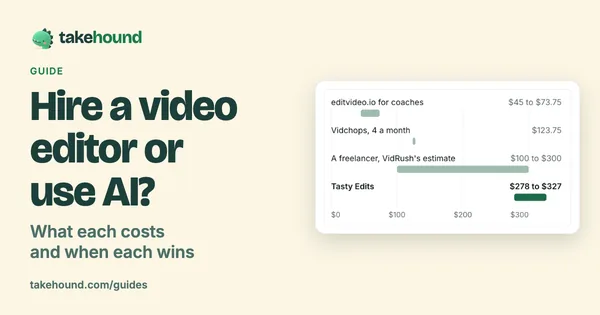
Hire a video editor or use AI? What each costs and when each winsWhat editing services and freelancers list for one long-form video, a timed AI first pass, and when each is the right call.
-
Guide
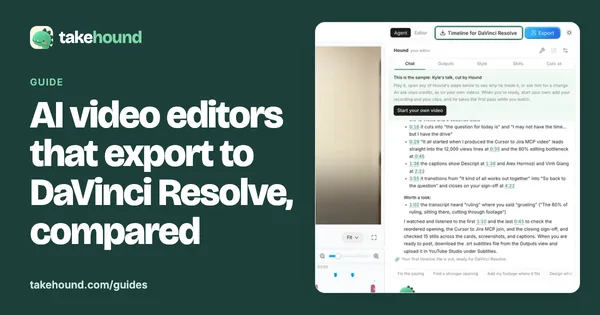
AI video editors that export to DaVinci Resolve, comparedFive tools that hand a timeline to Resolve: the file, the plan it needs, your media, the B-roll it adds and the price.
-
Guide
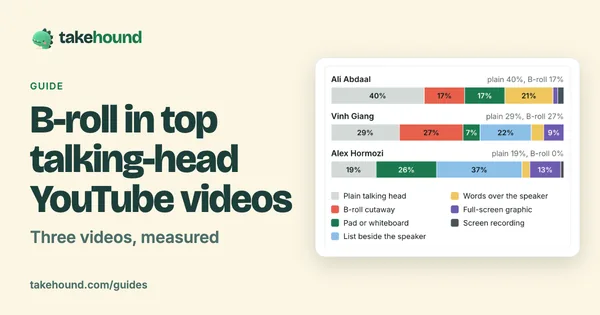
B-roll in top talking-head YouTube videos: three videos, measuredThree talking-head videos, five minutes each: a plain face 19% to 40% of the time, B-roll 0% to 27%, and no stock seen.
-
Guide
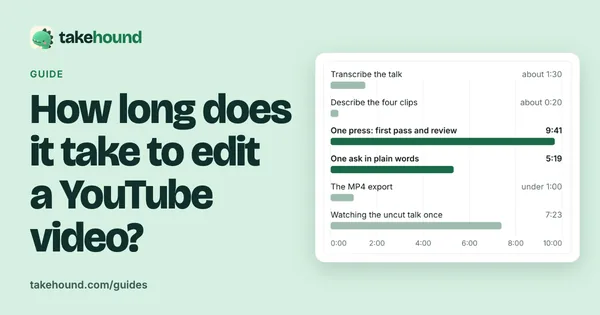
How long does it take to edit a YouTube video?Where the time goes in an edit, what two editing services list for turnaround, and one real talk timed step by step.
-
Guide
AI editing agent for video: what one did on a real talkWhat makes an AI editor an agent, what a benchmark of 56 editing jobs found, and one agent's run on a real talk, step by step.
-
Guide
Can ChatGPT edit videos? What OpenAI says, and a real cutWhat OpenAI's help pages say, what three published tests showed ChatGPT doing with video, and 39 seconds of a talk, cut.
-
Guide
What is a talking head video? Real frames from oneWhat the term means, what counts as one, and one real talk cut from 7:23 to 6:22, with B-roll and words on screen added.
-
Guide
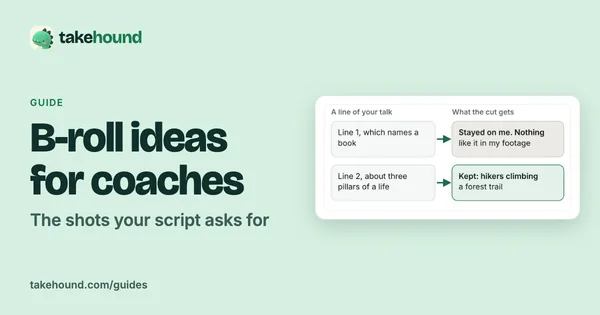
B-roll ideas for coaches: the shots your script asks forWhat one real 50-second talk asked for, line by line, and a checklist of 20 shots to film or find in your camera roll.
-
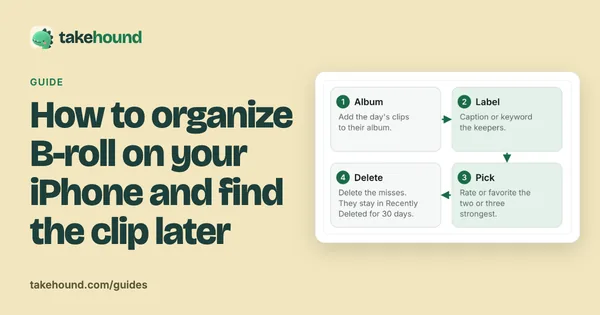
Guide
How to organize B-roll footage on your iPhoneFive album names to copy, the labels Apple says iPhone search reads, and what to type to find a clip later.
-
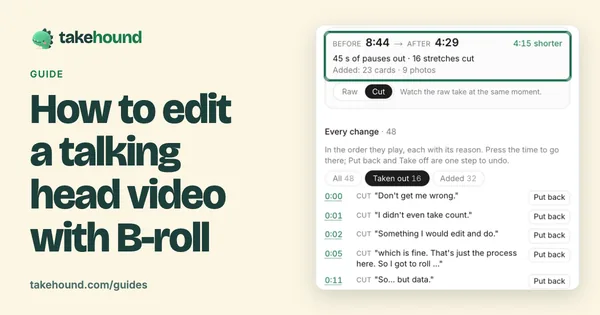
Guide
How to edit a talking head video with B-rollWhen to cut away or stay on the speaker, shown cut by cut on one real 50-second talk.
-
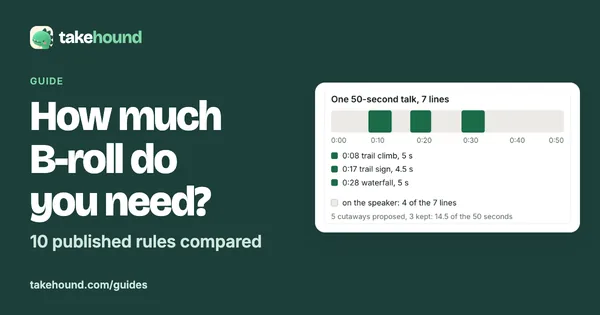
Guide
How much B-roll do you need? 10 published rules comparedFour of ten published rules say film 4 to 6 times, one says 5 to 10. All ten side by side, and a count from your own script.
-
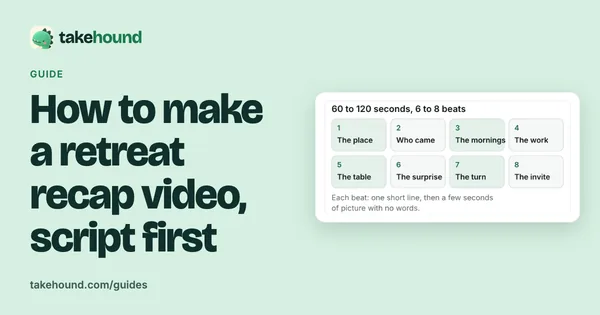
Guide
Retreat and event recap video: shot list and scriptHow to plan, film and script a 60 to 120 second retreat or event recap from your own footage.
-
Guide
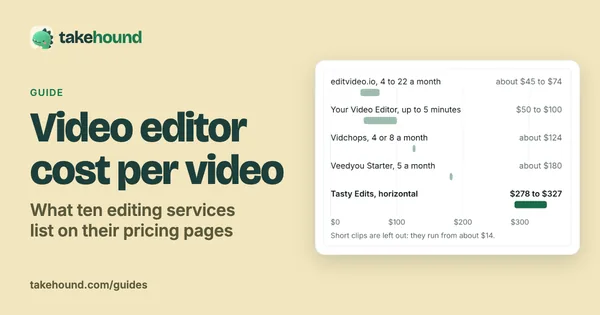
Video editor cost per video: what 10 editing services listSeven of ten editing services have a per-video figure, from about $14 for a short clip to $327. Every plan, caps and extras.
-
Guide
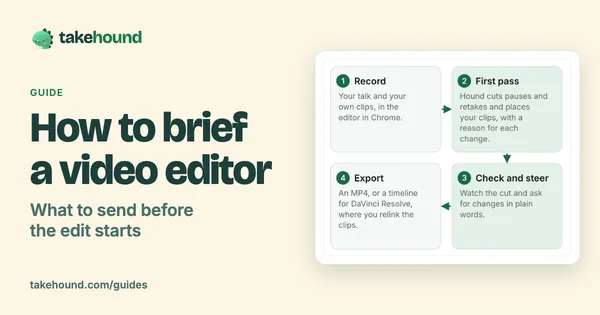
How to brief a video editor: what to send, with a templateA seven-part brief and copy-ready template for coaches handing a script and footage to a video editor.
-
Guide
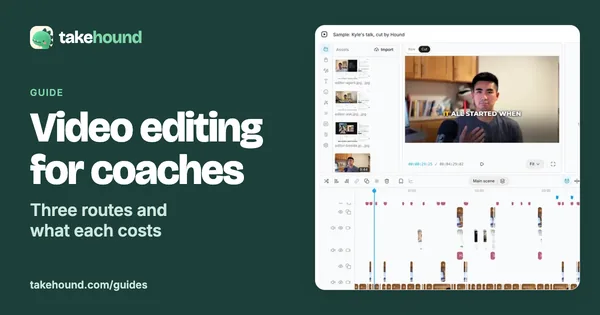
Video editing for coaches: what an editor or a tool costsThree ways a coach gets videos edited, what each costs on the vendors' own pages, and what each is good at.
-
Guide
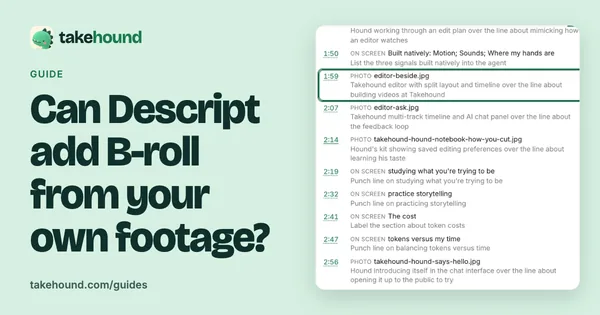
How to add your own B-roll in Descript, in 6 stepsYes: drag your own clips onto the script as layers, or ask Underlord. Six steps by hand, and where Takehound differs.
-

Roundup
AI B-roll from your own footage: which tools use your clipsNine tools that work with clips you filmed, plus mine: what each hands back, the price, and a link to each vendor's own pages.
-
Guide
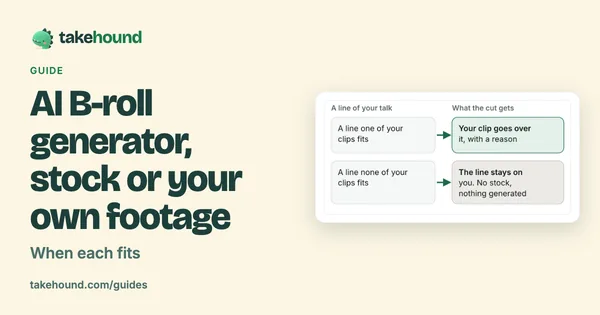
AI B-roll generator: stock, generated or your own footageThe three places AI B-roll comes from, what each is good for, its catch, and when your own footage is the right call.
-
Buyer's guide
AI video editor with your own footage: how to chooseFour kinds of AI video editor for your own footage, a decision table, and five questions to ask.
-
Comparison
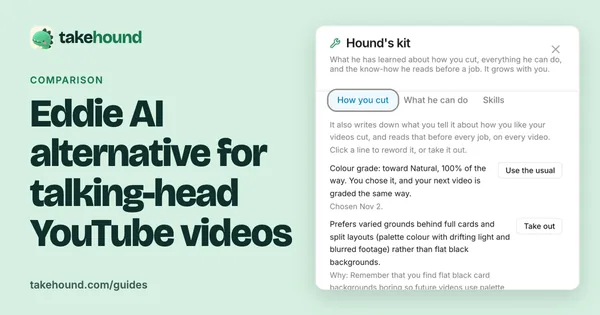
Eddie AI alternative for talking-head YouTube videosWhat Eddie AI and Takehound are each built for, row by row, with links to the Eddie pages each fact came from.
-
Help
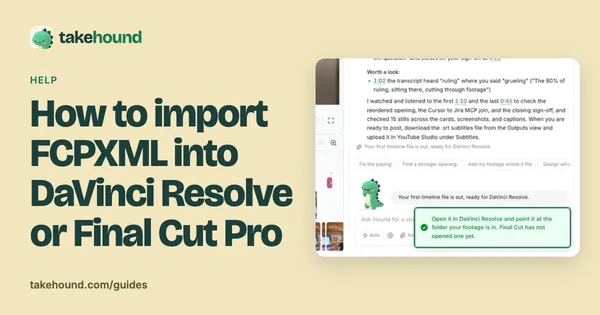
How to import FCPXML into DaVinci Resolve or Final Cut ProIn Resolve, File > Import > Timeline. In Final Cut Pro, File > Import > XML. Then relink missing clips to your footage folder.
What Takehound does
Finish in the browser and export an MP4, or you or your editor finish the cut in DaVinci Resolve, not Premiere. Final Cut has not opened one. No stock, nothing generated. Sign in with Google for a free first video.
See Takehound for coaches