Comparison
Eddie AI vs Takehound: what each one is built for
Pick Eddie AI if you are an editor and want the talking head cut and then covered with B-roll. Pick Takehound if you are not an editor and only want your own shots laid over a script, with a reason for each. Some people could use both.
I'm Kyle. I built Takehound, so I have a stake. I have not used Eddie. Each fact about it is from Eddie's own pages, read 2026-10-04, linked under Sources.
Side by side
Scroll sideways to see both columns.
| Topic | Eddie AI | Takehound mine |
|---|---|---|
| You give it | Your talking-head footage and your B-roll files. You direct it in chat, in plain language. It can also follow a script or outline you give it. | A pasted script and a folder of footage you filmed. |
| The talking head | It builds a rough cut of the dialogue and removes filler words and dead air. | The browser version does not cut it. You lay the B-roll over your recording. |
| B-roll comes from | Your footage first, then stock you pick, then a generated clip it asks about first. | Only footage you filmed. No stock, nothing generated. |
| When nothing fits | It stays on the speaker for key lines. If stock has no good match, it says so and offers to generate the shot. | No shot is placed. The line stays on you. |
| Reasons for picks | It reports roughly how much it covered and flags picks it doubts. You can ask it in chat to explain a cut. Its pages do not say if each pick has a reason. | A one-line reason with each shot. Not proof, so watch each pick. |
| You get back | A timeline for Premiere, DaVinci Resolve or Final Cut, or a finished MP4. Avid support is in beta. | A B-roll timeline (FCPXML) for DaVinci Resolve or Final Cut. Not Premiere, not a finished video. |
| Your files | Footage is uploaded and analyzed. The desktop app uploads a playback copy and leaves your originals in place. Its home page says it never trains on your media. | Video files stay on your computer. Small stills, your script, shot descriptions and file and folder names go through my server to Anthropic's API. |
| Where it runs | A browser, desktop apps for Mac and Windows, and an iPhone app. | A desktop browser. The Mac command-line version takes a recording. No phone app. |
| Price | Credits, no subscription needed: from $10 for 1,000. A new account gets 1,000 free. | Free, invite-only beta. No card. |
“Its pages do not say” means I did not find it on 2026-10-04, not that Eddie can't do it.
Which one to pick
Pick Eddie AI if
- You edit for a living. Its home page says it is designed for professional video editors.
- You want the talking head cut too.
- You want a finished MP4 without opening an editing app, or you finish in Premiere.
- You shot on more than one camera.
- You want stock or a generated clip where your footage has no fit.
- You want to start now. Takehound is invite-only.
Pick Takehound if
- You are not an editor, and you talk to camera from a script.
- You want a tool that has no stock or generated clips.
- You want a reason with each pick.
- You want your video files to stay on your computer.
- You or your editor finish in DaVinci Resolve or Final Cut.
Neither one? See eight other tools that work with your own clips, or how to choose.
Using both
I have not tested this. Eddie builds the dialogue cut and exports it for DaVinci Resolve or Final Cut. Paste the words of that cut into Takehound as the script, and it exports a B-roll timeline (FCPXML) for the same two apps. There you lay its cutaways over Eddie's cut and slide each into place. Eddie places B-roll itself, so do this only if you want Takehound's written reason with each pick.
Sources
Eddie's home page, pricing page and page on scripted edits, and its help pages on what Eddie is, a first edit, importing footage, the desktop app's copies, adding B-roll, stock B-roll, generated B-roll, prompting Eddie, timeline exports and MP4 exports, read 2026-10-04.
The tool I built
One Takehound pick
-
From my own 50-second talk · Mac version
“…choosing my three columns and pillars of my life and then working towards that.”
- Its reason
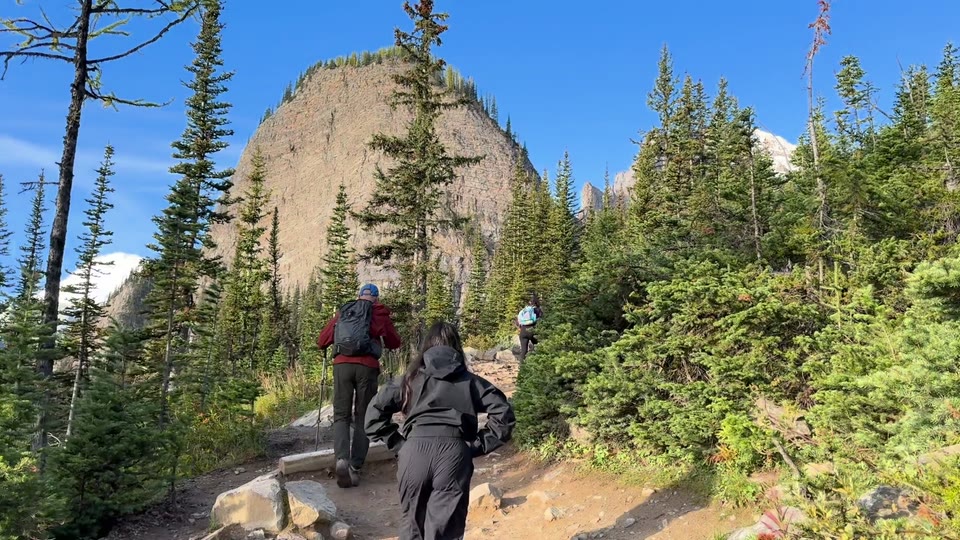
- “Hikers climbing steadily up a forested mountain trail show working toward chosen goals.”
Free, invite-only beta. No card. See privacy.
See how Takehound worksQuestions
Does Eddie AI use my own footage for B-roll?
Yes. Its help pages say your own footage comes first, then stock you pick, then a generated clip it asks about first. Takehound uses only footage you filmed. (Eddie's help pages on adding B-roll, stock B-roll and generated B-roll, read 2026-10-04.)
Is Takehound an Eddie AI alternative?
For the B-roll only. Takehound's browser version works from a pasted script and does not cut your talking head. Eddie does. (Eddie's help page on a first edit, read 2026-10-04.)
Which is cheaper, Eddie AI or Takehound?
To start, neither costs anything. Takehound is free during an invite-only beta; after the beta you see the price first. A new Eddie account gets 1,000 free credits, then credits cost from $10 for 1,000, with no subscription needed. (Eddie's pricing page and home page, read 2026-10-04.)
More guides
- AI B-roll from your own footage: which tools use your clips
Nine tools that work with clips you filmed, plus mine, and what each hands back.
- AI video editor with your own footage: how to choose
Four kinds of tool, a decision table, and five questions to ask.