Guide
AI video editors that export to DaVinci Resolve, compared
Eddie AI, Gling, Descript, OpusClip and Takehound each hand a cut to DaVinci Resolve as a timeline you keep editing, not only as a finished MP4. They differ in the file, the plan it needs, whether your media travels with it, and what the AI puts on the timeline as B-roll: Eddie AI uses your own footage first, then stock, then a generated clip; Gling, Descript and OpusClip list stock or AI B-roll; Takehound places only your own footage, never stock or generated, gives a reason for each pick, and leaves a gap where nothing fits. In each case you bring the cut in with File > Import > Timeline in Resolve and relink any clips that come up missing. Facts were read on each tool's own pages on 2026-11-09.
I'm Kyle. I built Takehound, so I have a stake. I did not test the other four tools for this page: each fact about them is from its own pages, read 2026-11-09 and linked. What Takehound's file holds in Resolve is from my own checks, on the days given.
The five, side by side
Scroll sideways to see every column.
| Tool | What it hands Resolve | What you need | Your media | B-roll it can add | Price, read 2026-11-09 |
|---|---|---|---|---|---|
| Eddie AI | Send to Resolve, or a Resolve project (.drp), XML, FCPXML or OTIO. Also Premiere, Final Cut and Avid (help page). | Any credit pack: every feature is in each one. | Your original files if they came in through its desktop app; its own proxy copies if you uploaded on the web. | Your own footage first, then stock, then a generated clip it quotes the credits for first (help page). | 500 free credits, then packs from $10 for 1,000 credits to $350 for 50,000, no subscription (pricing). |
| Gling | Resolve (.fcpxml), or Resolve multicam. Also XML for Premiere and FCPXML for Final Cut. | Its desktop app and an eligible plan (help page). | Keep the FCPXML, any audio folder it made, and your source media together. | Its pricing page lists AI B-roll. | Free with 1 hour a month and a watermark. Plus $20 a month, Pro $40, Elite $100, half that billed yearly (pricing). |
| Descript | DaVinci Resolve (XML). Also Premiere, Final Cut (FCPXML), Pro Tools and others. | Creator, Business or Enterprise (help page). | A folder with a copy of your media files comes with the export. | A royalty-free stock media library and video made with AI models. | Creator $35 a person a month, or $24 billed yearly (pricing). |
| OpusClip | An export to Premiere Pro and DaVinci Resolve. | Pro (pricing). | Not said on its pricing page. | AI image, AI video and stock B-roll. | Pro $29 a month, or $14.50 billed yearly. |
| Takehound (mine) | One FCPXML timeline (version 1.9) that opens in DaVinci Resolve. Not Premiere; Final Cut has not opened one. | An account: exports and timelines are free. | No video inside the file: relink the clips to your footage folder if Resolve cannot find them. | Only your own footage, never stock or generated. A line none of it fits stays a gap. | 4,350 free credits once; plans from $50 a month. |
Each fact is as its tool's own page said it on 2026-11-09. Plans and limits change.
What one Takehound timeline held in Resolve
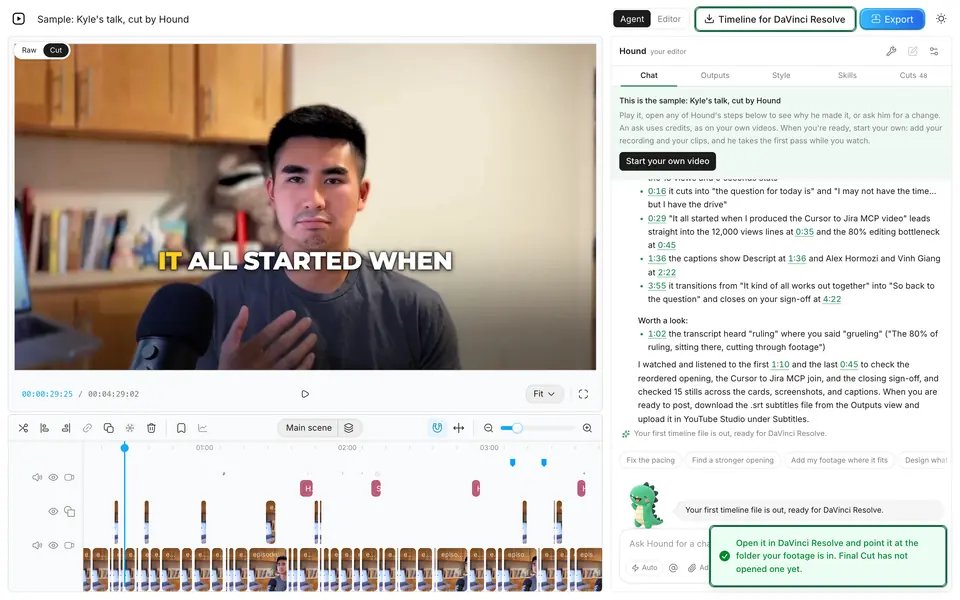
On 2026-10-13, the timeline from a first pass on my own talk opened in DaVinci Resolve 21.1 on a Mac. It came in with the talk on V1 as 53 clips with one track of sound, my clips on V3 over their copies on V2, 16 titles of words on screen, and 24 notes as switched-off titles: those notes are the reasons for its changes, so whoever finishes the cut can see why each clip went where it did. That file had my footage's real folder written in, so relinking was not part of the check. The steps and what to do when clips come up missing are in how to import FCPXML into DaVinci Resolve.
Gling's help page adds a check worth doing with any of these: play the start, several cuts and the end, and check captions on their own, since caption styling and some effects may not carry through the file (Gling's help page, read 2026-11-09).
When another tool is the better pick
- You or your editor finish in Premiere. Eddie AI, Gling, Descript and OpusClip all export to it; Takehound does not.
- You cut multicam. Eddie AI, or Gling's Resolve multicam export.
- You want your media copied into the export folder. Descript does that.
- You are the editor, logging hours of footage for selects. Eddie AI is built for that.
- You want stock or AI B-roll to cover the lines your own footage does not. Any of the other four; Eddie AI tries your own footage first, then stock, then a generated clip. Tools that place clips you filmed, and which of them hand off to Premiere, are in AI B-roll from your own footage.
- You record long talks and want only your own footage placed, a reason for each pick, and a gap instead of a stock or generated clip where nothing fits. That is what Takehound is for. If you sell on camera and are choosing a tool more broadly, see AI video editor for coaches.
The tool I built
Where Takehound fits
Takehound is mine, so weigh this part. It is for the person who records long talks and wants a first cut from their own footage that they, or their editor, finish in DaVinci Resolve.
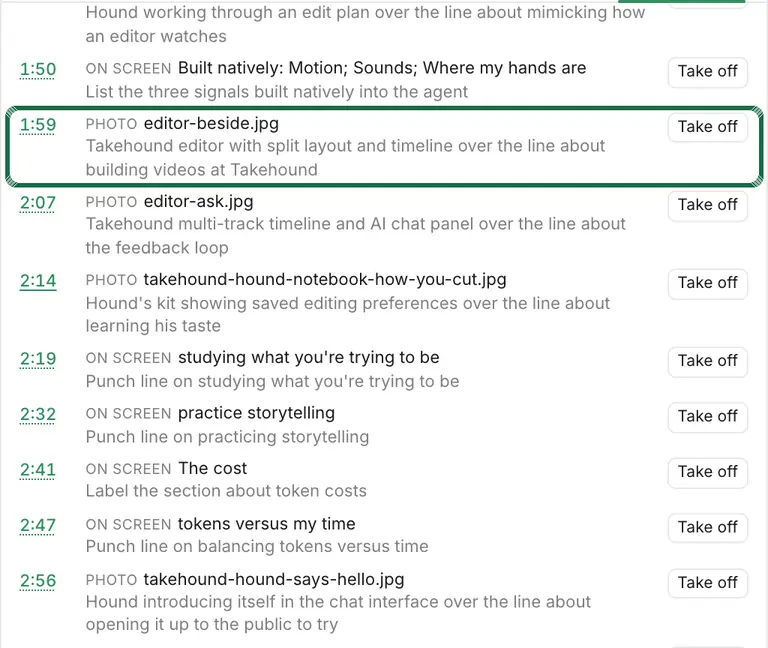
Takehound is an AI video editor in Chrome on a laptop or desktop, for long talk-to-camera videos. Its agent is Hound, and on a talk he watches and listens to the cut. One press makes a first pass on your recording: he cuts long pauses, filler words and repeated takes, places your own footage on the lines it fits, and puts key lines on screen, with a reason for each change. The button says how long it should take before you press it.
B-roll is only your own footage, never stock or generated, and a line none of it fits stays on you as a gap instead of getting a wrong clip. A book, product or site you name may go up as a reference, with its source, marked as not cleared for you: he may add one without being asked, and you take it off or carry the rights yourself. Steer him in plain words, and he learns how you cut. Then export an MP4, or a timeline (FCPXML) that imports into DaVinci Resolve, where its clips then need relinking to your footage. It does not export to Premiere, and the file has not been opened in Final Cut.
Sign in with Google for a free first video, up to 30 minutes. See privacy.
See TakehoundSources
Every outside fact on this page, with the day it was read. The other tools were not tested for this page.
- Eddie AI: pricing page and help page on exports to Premiere, Final Cut, Resolve, Avid and OTIO and help page on adding B-roll, read 2026-11-09.
- Gling: pricing page and help page on exporting to DaVinci Resolve, read 2026-11-09.
- Descript: pricing page and help page on timeline exports, read 2026-11-09.
- OpusClip: pricing page, read 2026-11-09.
- Takehound: my own checks in DaVinci Resolve 21.1, written up on the help page, and its price from its pricing card when the page is served.
Questions
Can an AI video editor export to DaVinci Resolve?
Yes. Of the tools read 2026-11-09: Eddie AI with any credit pack, Gling from its desktop app on an eligible plan, Descript on Creator and up, and OpusClip on Pro. Takehound exports an FCPXML timeline that opens in DaVinci Resolve.
How do I import an AI editor's timeline into DaVinci Resolve?
Open a project, choose File > Import > Timeline, select the file and import it, then relink any clips that come up missing to your footage folder. How to import FCPXML into DaVinci Resolve has the steps.
Why are my clips offline after importing into Resolve?
The file points to media rather than holding it. Eddie AI's help page says a web upload's export points to its proxy copies, so those must be on your machine, read 2026-11-09. With Takehound's file, relink the clips to your footage folder.
Does Takehound export to Premiere or Final Cut?
No Premiere export. Its FCPXML timeline opens in DaVinci Resolve, and Final Cut has not opened one.
More guides
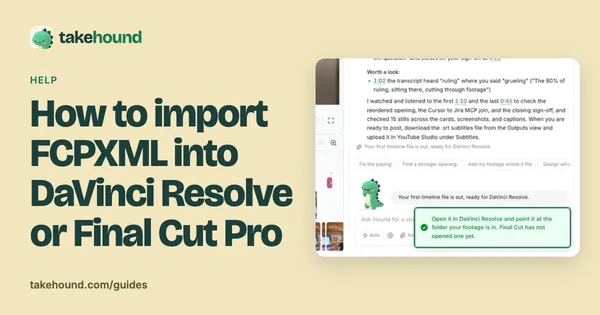
- How to import FCPXML into DaVinci Resolve or Final Cut Pro
In Resolve, File > Import > Timeline. In Final Cut Pro, File > Import > XML. Then relink missing clips to your footage folder.
- How to brief a video editor: what to send, with a template
A seven-part brief and copy-ready template for coaches handing a script and footage to a video editor.
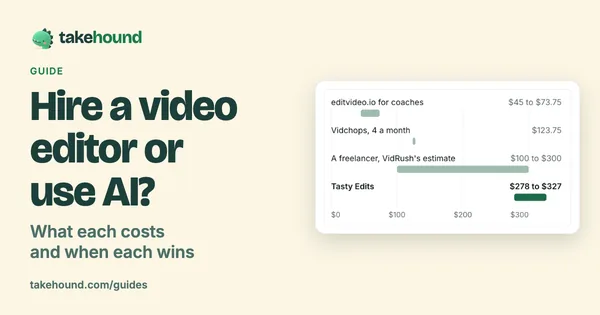
- Hire a video editor or use AI? What each costs and when each wins
What editing services and freelancers list for one long-form video, a timed AI first pass, and when each is the right call.