Guide
AI video editor for coaches: six tools and where their B-roll comes from
The best AI video editor for a coach depends on two things: how much of the edit you want to do by hand, and where the pictures over your talk come from. Pick Descript to edit yourself by deleting words from a transcript. Pick Jupitrr AI or OpusClip to get an edited video back with stock or AI-made B-roll, and OpusClip or Submagic if most of what you post is short clips. Pick Takehound, which I make, if you want B-roll only from footage you filmed, a reason for each change, and a gap where none of it fits. Prices are from each tool's own pricing page, read 2026-11-09.
I'm Kyle. I built Takehound, so I have a stake. I'm not a coach, and I did not test the other five tools for this page: each fact about them is from its own pages, read 2026-11-09 and linked below, and OpusClip's 4.0 post was read 2026-11-08.
Why the B-roll source matters if you sell on camera
A coach's video sells trust in a person and a program. The shots over your voice are part of what a viewer judges. A stock or generated clip is quick, and for a general point it is often fine. A shot of your own workshop, client room, retreat or desk shows something only you have. Five of the six tools here list stock or AI-made B-roll on their pricing pages; that is a choice to make on purpose, not a default to find out about after you publish.
If your footage is mostly the talk itself, there is little of yours to place, and a tool that fills lines from stock will look fuller. Filming a few shots to cover your talk helps any of these tools: B-roll ideas for coaches has a list of 20. For what three well-known creators put over their own talk, see how much B-roll top YouTubers use: in the first five minutes of one video each, sampled 2026-11-09, no stock clip was seen.
The six, side by side
Scroll sideways to see every column.
| Tool | What it does with your talk | Where its B-roll comes from | Price, read 2026-11-09 | Where you finish |
|---|---|---|---|---|
| Descript | You edit the video by editing its transcript, and cut the talk yourself. | Its pricing page lists a royalty-free stock media library and video made with AI models. | Hobbyist $24 a person a month, or $16 billed yearly. Creator $35 or $24. Business $65 or $50 (pricing). | In Descript, or a timeline for Premiere, DaVinci Resolve or Final Cut on Creator and up (help page). |
| OpusClip | Turns long videos into short clips, and since 4.0 also edits a raw talking video (4.0 post). | AI image, AI video and stock B-roll. | Free plan. Starter $15 a month. Pro $29 a month, or $14.50 billed yearly (pricing). | In OpusClip, or an export to Premiere Pro and DaVinci Resolve on Pro. |
| Jupitrr AI | Calls itself the AI video editor for coaches and consultants: upload a talk and get it back edited with B-roll, subtitles, music and sound effects, plus scripting, a teleprompter and scheduling. | Stock from Getty Images and iStock. | Starter $29 a month, or $14.50 billed yearly, for 10 videos of up to 5 minutes. Pro $49 or $24.50, up to 20 minutes. Team $149 or $89, up to 60 minutes (pricing). | A 16:9 or 9:16 video, published to social from the app. No timeline export is listed. |
| Captions | An app with AI Edit styles, captions, clips from a long video, and AI twins. | Generated: Max lists custom B-roll made with generative AI. | Max $24.99 a month, Frontier $69.99. Its page says these are its iOS plans (pricing). | A video from the app. No timeline export is listed. |
| Submagic | Short videos: captions, zooms, and on Pro bad takes and silences cut. | Stock: free B-roll on Starter, Storyblocks on Pro. | Starter $19 a month, or $12 billed yearly, for videos of up to 2 minutes. Pro $23 and Business $41 a month billed yearly, up to 5 and 30 minutes (pricing). | A 1080p video, 4K on Business. No timeline export is listed. |
| Takehound (mine) | Hound makes the first pass on a long talk while you watch: pauses, filler words and repeated takes cut, your footage placed, key lines on screen, a reason for each change. | Only your own footage, never stock or generated. A line none of it fits stays a gap. | 4,350 free credits once; plans from $50 a month. | In the browser as an MP4, or a timeline that opens in DaVinci Resolve. Not Premiere; Final Cut has not opened one. |
Each price is as its tool's page listed it on 2026-11-09, for one person, in US dollars. Plans and limits change.
When another tool is the better pick
- You want to do the cutting yourself, by the words, or with a team. Descript.
- Most of what you post is short clips from long recordings. OpusClip or Submagic.
- You film on your phone, or want B-roll, voices or a twin made with AI. Captions.
- You want scripting, a teleprompter, scheduling and analytics in one app, and stock B-roll is fine. Jupitrr AI.
- You finish in Premiere. Descript or OpusClip; Takehound does not export to it.
- You have no footage beyond the talk. Takehound would leave most lines as gaps; a stock tool fills them.
- You want a finished video handed back with motion graphics, colour and sound done. Hire an editor: hire a video editor or use AI has what services charge.
The tool I built
Where Takehound fits
Takehound is mine, so weigh this part. It is for the coach who records long talks and wants the first cut done from their own footage, with the finishing left to them or their editor.
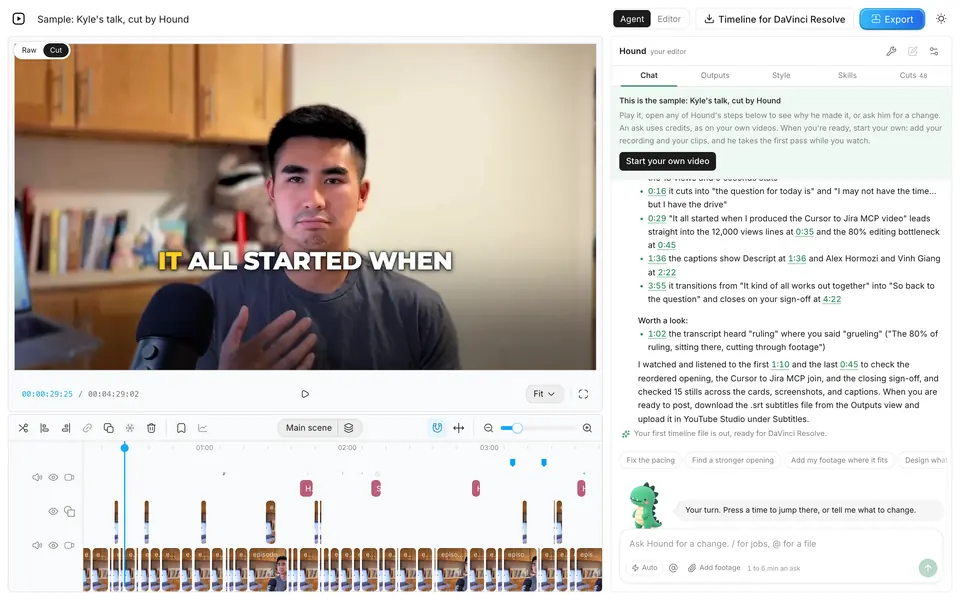
Takehound is an AI video editor in Chrome on a laptop or desktop, for long talk-to-camera videos. Its agent is Hound, and on a talk he watches and listens to the cut. One press makes a first pass on your recording: he cuts long pauses, filler words and repeated takes, places your own footage on the lines it fits, and puts key lines on screen, with a reason for each change. The button says how long it should take before you press it.
B-roll is only your own footage, never stock or generated, and a line none of it fits stays on you as a gap instead of getting a wrong clip. A book, product or site you name may go up as a reference, with its source, marked as not cleared for you: he may add one without being asked, and you take it off or carry the rights yourself. Steer him in plain words, and he learns how you cut. Then export an MP4, or a timeline (FCPXML) that imports into DaVinci Resolve, where its clips then need relinking to your footage. It does not export to Premiere, and the file has not been opened in Final Cut.
Sign in with Google for a free first video, up to 30 minutes. See privacy.
For coachesSources
Every outside fact on this page, with the day it was read. The tools were not tested for this page.
- Descript: pricing page and help page on timeline exports, read 2026-11-09.
- OpusClip: pricing page, read 2026-11-09, and the OpusClip 4.0 post, read 2026-11-08.
- Jupitrr AI: pricing page and its questions, read 2026-11-09.
- Captions: pricing page, read 2026-11-09.
- Submagic: pricing page, read 2026-11-09.
- Takehound: its own price is filled in from its pricing card when the page is served, and what it exports is from the help page on importing its timeline.
Questions
What is the best AI video editor for coaches?
It depends on the job. To edit yourself by the words, Descript. For an edited video back with stock or AI-made B-roll, Jupitrr AI or OpusClip. For short clips, OpusClip or Submagic. For B-roll only from your own footage, with a reason for each change and a gap where none fits, Takehound, which I make. Prices and limits are in the table, read 2026-11-09.
Which AI video editor uses my own footage for B-roll instead of stock?
Of the six here, Takehound is the one whose B-roll is only your own footage, never stock or generated. The other five list stock or AI-made B-roll on their pricing pages, read 2026-11-09, though some also let you add your own clips by hand. AI B-roll from your own footage compares more tools that work with clips you filmed.
How much does an AI video editor for coaches cost?
On the pages read 2026-11-09: Descript from $24 a person a month ($16 billed yearly), OpusClip Starter $15 and Pro $29, Jupitrr AI from $29 ($14.50 billed yearly), Captions Max $24.99, and Submagic from $19 ($12 billed yearly). A human editor is a different price: see hire a video editor or use AI.
Can I finish the edit in Premiere, Final Cut or DaVinci Resolve?
Descript exports a timeline for Premiere, DaVinci Resolve and Final Cut on Creator and up, and OpusClip one for Premiere Pro and DaVinci Resolve on Pro. Takehound exports a timeline that opens in DaVinci Resolve; Final Cut has not opened one and there is no Premiere export. Jupitrr AI, Captions and Submagic list no timeline export. AI video editors that export to DaVinci Resolve has the details.
More guides
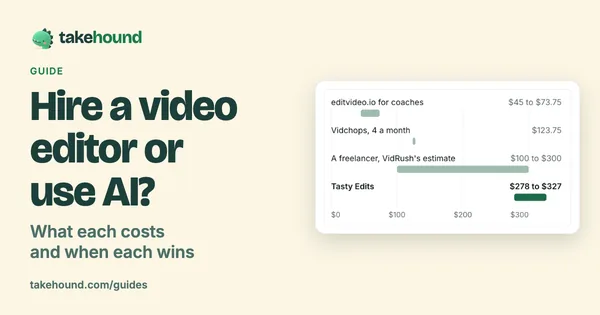
- Hire a video editor or use AI? What each costs and when each wins
What editing services and freelancers list for one long-form video, a timed AI first pass, and when each is the right call.
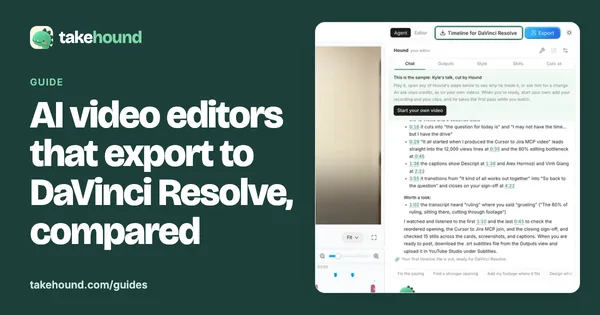
- AI video editors that export to DaVinci Resolve, compared
Five tools that hand a timeline to Resolve: the file, the plan it needs, your media, the B-roll it adds and the price.
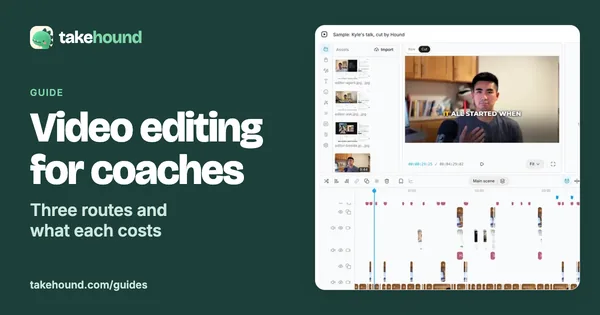
- Video editing for coaches: what an editor or a tool costs
Three ways a coach gets videos edited, what each costs on the vendors' own pages, and what each is good at.