Guide
B-roll ideas for coaches: the shots your script asks for
Most B-roll lists start with a shoot day. Start with your script. Every line asks for a picture, and you may have filmed some of them already. To get that list for your own script, paste it here, free.
A real example
What one 50-second talk asked for
I'm Kyle, and I'm not a coach. This is my own talk about a book on doing less. It was cut with Takehound, the tool I built, using footage from one trip. For each of the 7 lines it looked for a shot. Here is what happened.
-
Line 1
“Recently, I read a book called Slow Productivity by Cal Newport.”
- It looked for
- Hands holding the book. Reading in a chair by a window.
- My footage had
- Nothing like it. stayed on me
-
Line 2
“…choosing my three columns and pillars of my life and then working towards that.”
- It looked for
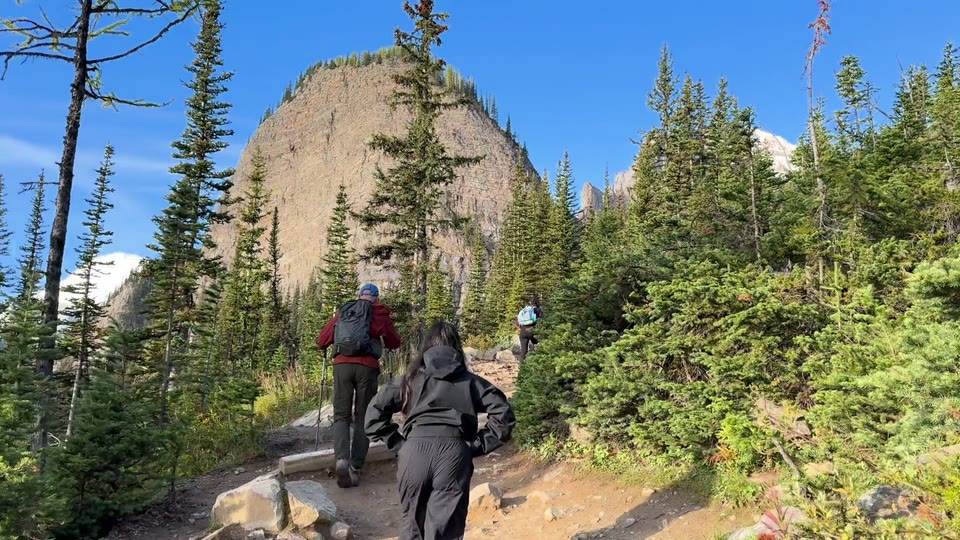
- Three stone pillars against a clear sky.
- My footage had
- Hikers climbing a forest trail. kept
Takehound's reason: “Hikers climbing steadily up a forested mountain trail show working toward chosen goals.”
-
Line 3
“So choosing three things that matter the most to you and then focusing on that”
- It looked for
- A hand writing a list of three in a notebook.
- My footage had
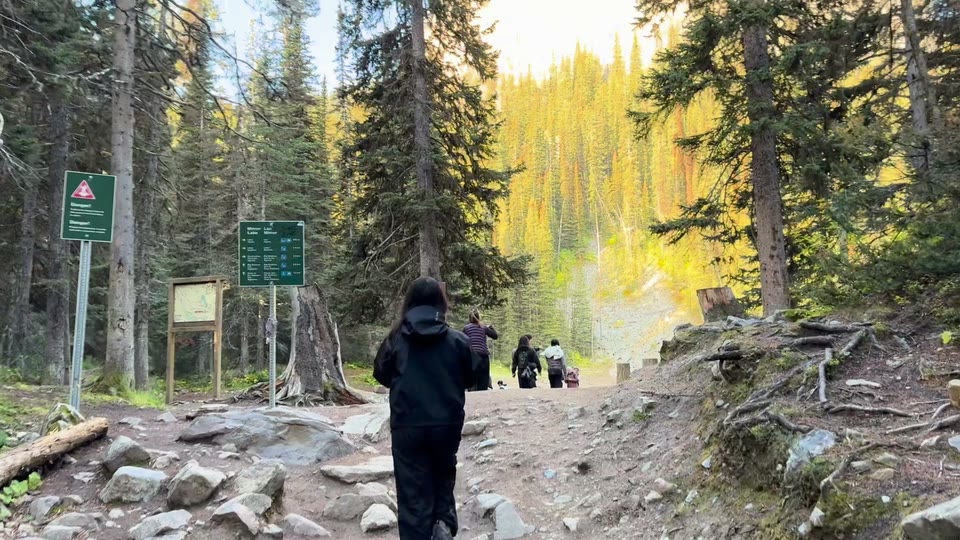
- A hiker pausing at a trail sign. kept
Takehound's reason: “A hiker pausing at a trail sign suggests stopping to choose what matters most.”
-
Line 4
“…anything else that does not contribute to that, remove it from your life or say no.”
- It looked for
- A hand crossing items off a to-do list. A phone put face down on a table.
- My footage had
- Nothing like it. stayed on me
-
Line 5
“…what I want to do day to day, what I enjoy, how I stay creative…”
- It looked for
- Sketching ideas on a whiteboard. Working at a sunlit desk.
- My footage had
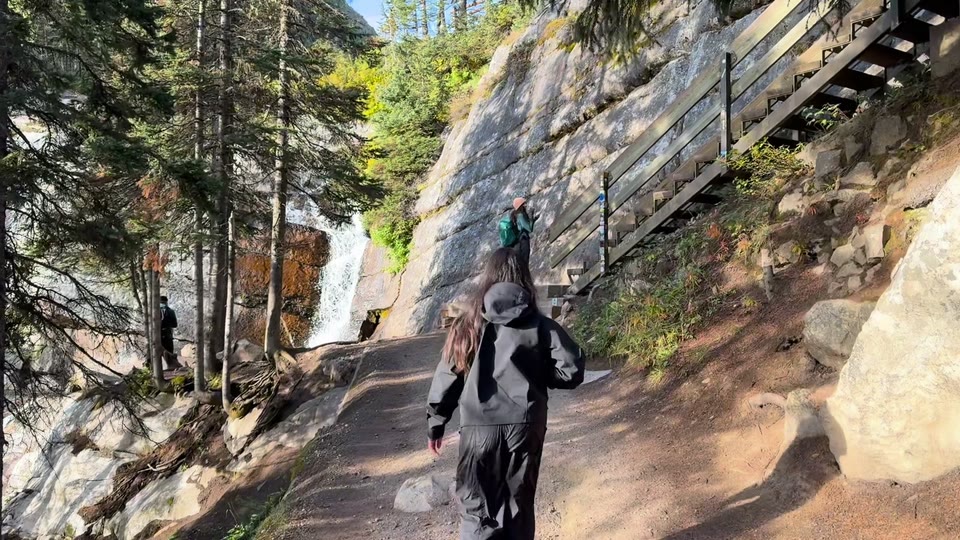
- Walking up to a waterfall and stopping to take a photo. kept
Takehound's reason: “Walking up to a waterfall and stopping to photograph it shows everyday creativity and enjoyment.”
-
Line 6
“…produce good work at work as well as enjoy my life outside of work.”
- It looked for
- Typing on a laptop, then closing it and walking outside.
- My footage had
- A group on a canyon walkway. A crowd of strangers was the whole shot. removed by me
-
Line 7
“So what are my three pillars? My first one is my family and my partner.”
- It looked for
- A couple walking outdoors. A family around a dinner table.
- My footage had
- A lakeside clip where the couple never appears. removed by me
7 lines, 5 cutaways proposed, 3 kept. Cut from my recording with the Mac version of Takehound. The browser version cuts from a recording too.
Read the “looked for” rows again. A talk about priorities asked for a notebook, a to-do list, a phone, a whiteboard, a desk and a laptop. I had mountains.
The checklist
The B-roll shot list: 20 shots to film or dig out
The shots I was missing are ordinary ones. Tick the ones you already have.
0 of 20 ticked
For lines about your method
For lines about the working day
For lines about events, workshops and retreats
For lines about life outside the work
Where they hide
- Search your photos by the place or the date of your last event.
- Filter your library to videos and scroll back past this year.
- Ask whoever filmed your last event for the raw clips, not only the finished recap.
- Look in shared albums and group chats where people sent you clips, and ask before you use theirs.
To keep them findable once they are on your phone, see How to organize B-roll footage on your iPhone.
Three rules
- Everyone shown has agreed. For clients and attendees, get it in writing.
- Nothing private in frame: no names, no charts, no screens with someone's details.
- Hold each shot. The three cutaways in my talk ran about 5 seconds each, so film a little longer than that.
Matching them by hand is the slow part
Hound, Takehound's editor, does that step, in your browser. On a talk he doesn't edit from the transcript alone: he watches the cut as moving picture and sound before he changes anything, and again after, so he hears where every cut lands and sees what is already on screen. Add your recording and your own clips, photos, slides and screen recordings, press one button, and watch his first pass: long pauses, filler words and repeated takes cut, your footage placed where you talk about it and your key lines on screen, each change with its reason in the feed. Where none of your footage fits a line, the line stays on you.
Steer him in plain words, undo any step or edit by hand, and he learns how you cut. Export an MP4 from the browser, or a timeline (FCPXML) that you or your editor finish in DaVinci Resolve, not Premiere. Final Cut has not opened one. It uses no stock and generates nothing. Sign in with Google for a free first video.
Other tools place your own clips too: AI B-roll from your own footage compares nine of them.
See Takehound for coaches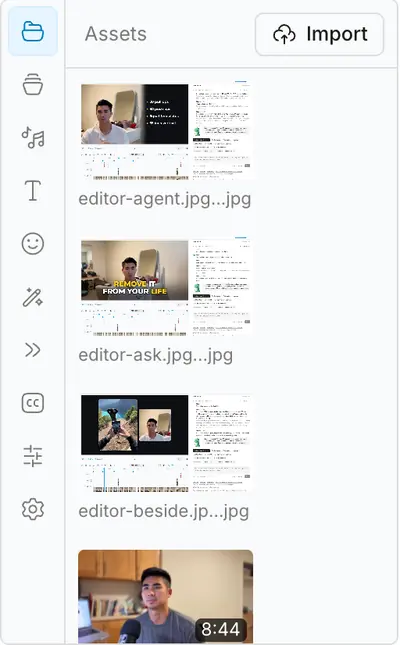
Questions
What counts as B-roll in a coaching video?
Anything that plays while you keep talking: your hands, your desk, a room you taught in, a walk you took. It gives the viewer something to look at on lines where watching you adds nothing.
Can I use footage of clients?
Only when everyone shown has agreed in writing. Without that, use footage of yourself, your space and your events with no faces in frame.
Is phone footage good enough?
Yes. The talk and every cutaway on this page were filmed on an iPhone.
How much B-roll does a short video need?
It depends on the talk. In my 50-second one, 3 of the 7 lines got a cutaway and the other 4 stayed on me. To count it for your own script, see how much B-roll you need.
More guides
- Video editing for coaches: what an editor or a tool costs
Three ways a coach gets videos edited, what each costs on the vendors' own pages, and what each is good at.
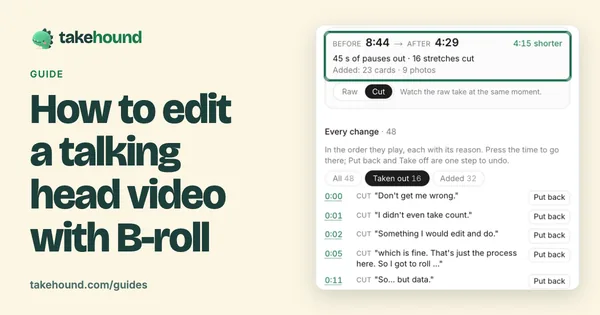
- How to edit a talking head video with B-roll
When to cut away or stay on the speaker, shown cut by cut on one real 50-second talk.
- Retreat and event recap video: shot list and script
How to plan, film and script a 60 to 120 second retreat or event recap from your own footage.
- How to brief a video editor: what to send, with a template
A seven-part brief and copy-ready template for coaches handing a script and footage to a video editor.