Guide
What is a talking head video?
A talking head video is one person speaking to the camera, usually framed from the chest or shoulders up, with that person carrying the video. Here is one in real frames, and what editing did to a talk.
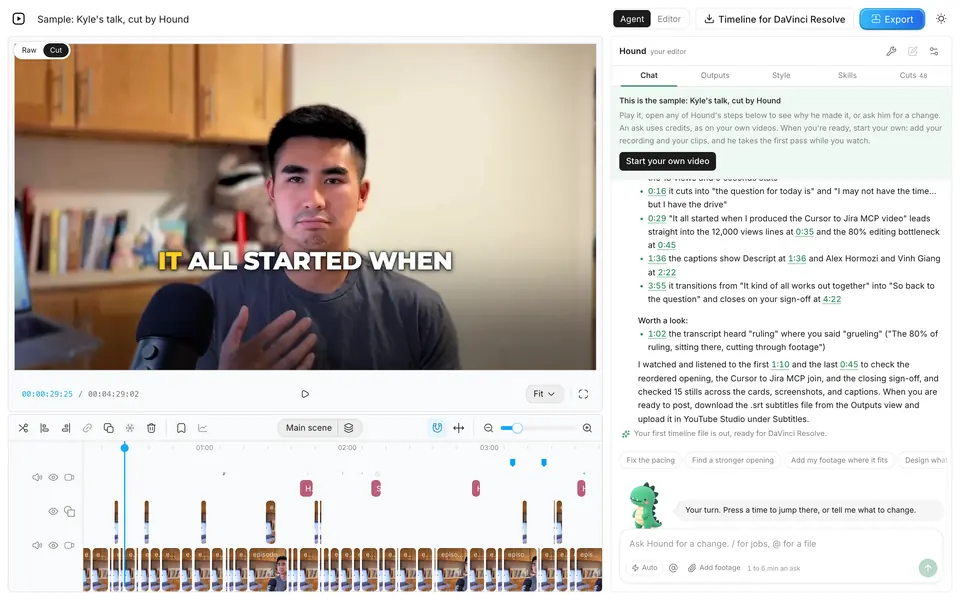
The short answer
What the term means
Merriam-Webster defines a talking head as “the televised head and shoulders shot of a person talking”, and dates the term to 1964. It gives a second sense too: a television personality who appears in such shots (its entry, read 2026-11-01).
Among people who make videos, the term usually means the first of those. A talking head video is built on one person talking to the viewer: a YouTube explainer, a lesson, a founder's update.
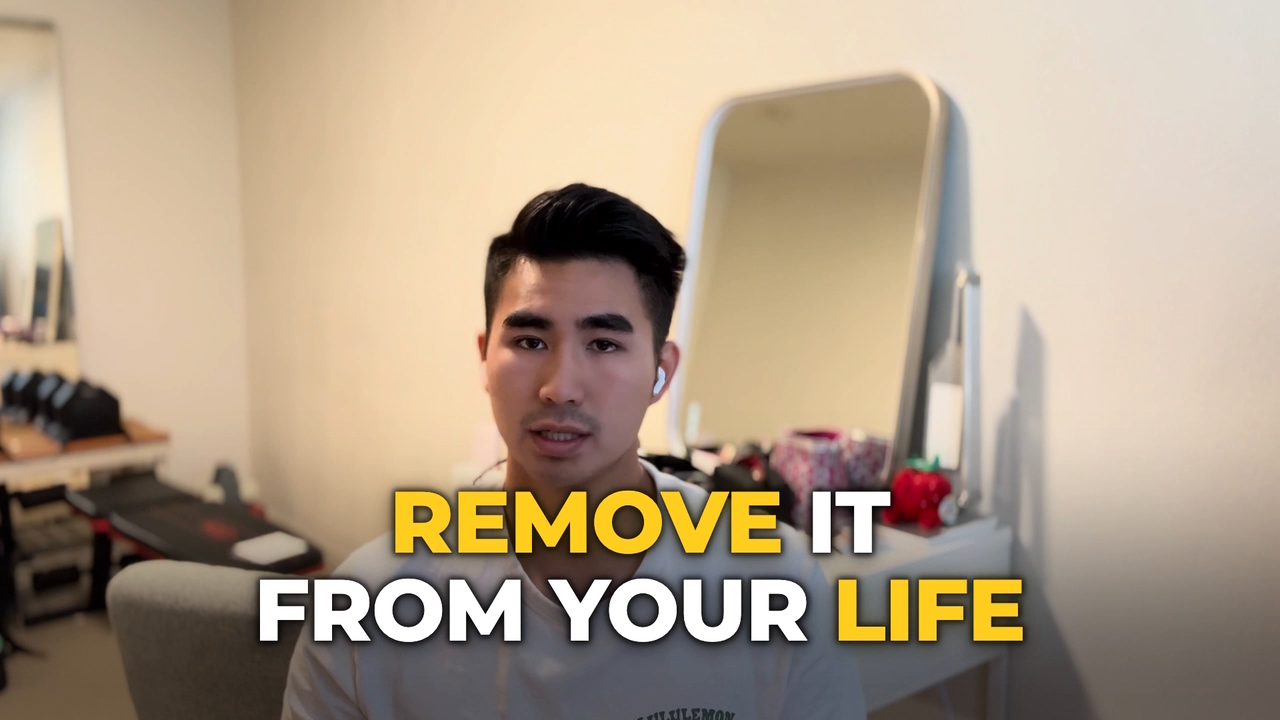
I'm Kyle, and I built Takehound, an editor for this kind of video. This frame is from one I published.
What counts as one
| What is on screen | A talking head video? |
|---|---|
| One person talking to the lens, start to finish | yes The plain form. |
| The same talk, with other footage or words on screen over parts of it | yes This is how an edited one looks. The person still carries it. |
| A sit-down interview in a documentary | often Film writers use the same term for these. |
| A screen recording with a small face in the corner | mostly no By this page's test, the screen carries it. |
| A generated avatar reading typed text | no The presenter is generated, not recorded saying the words. HeyGen's “AI Talking Head” turns typed text into a presenter with no camera (its page, read 2026-11-01). The words match, the thing does not. |
A real talk
One talk, from 7:23 to 6:22
The frames below come from another talk of mine, recorded on an iPhone and cut in Takehound on 2026-10-14, with four of my own clips to choose from. These are the lengths from that run.
- 7:23The talk as it went in
- 6:32After the first pass
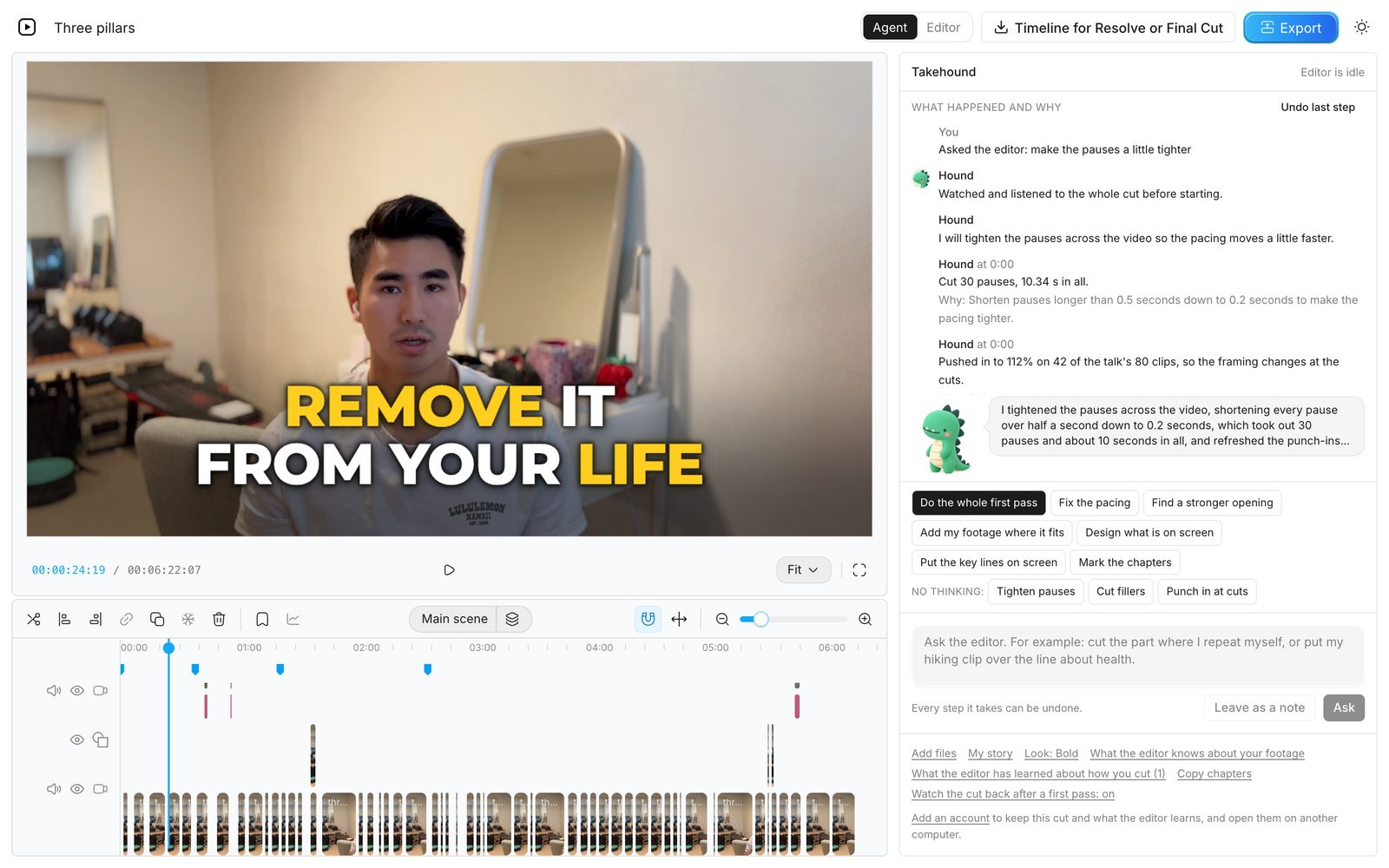
- 6:22After one request in plain words: “make the pauses a little tighter”
About a minute came out, close to 14% of the talk. By the end it sat on the timeline as 80 separate clips, played one after another. A viewer follows one talk. The timeline holds 80 pieces of it.
What an editor does
Three jobs on a talking head
One person in one fixed shot gives the eye one thing to look at. Editing adds change without losing the speaker, and these are the three usual jobs.
1. Cuts
Long pauses, restarts and repeated takes come out, so the talk moves at the pace of its words. The request above brought each pause over half a second down to 0.2 seconds. That took 10.34 seconds out across 30 pauses.
Whether ChatGPT can make these cuts for you is answered from OpenAI's own help pages in Can ChatGPT edit videos?
A cut in a fixed shot makes the speaker jump. Here the picture was pushed in to 112% on 42 of the 80 clips, so the framing changes at the cuts.
2. B-roll over the lines
Other footage plays over the voice to show what a line is about. A clip can fill the frame, or sit beside the speaker so the face stays in view.
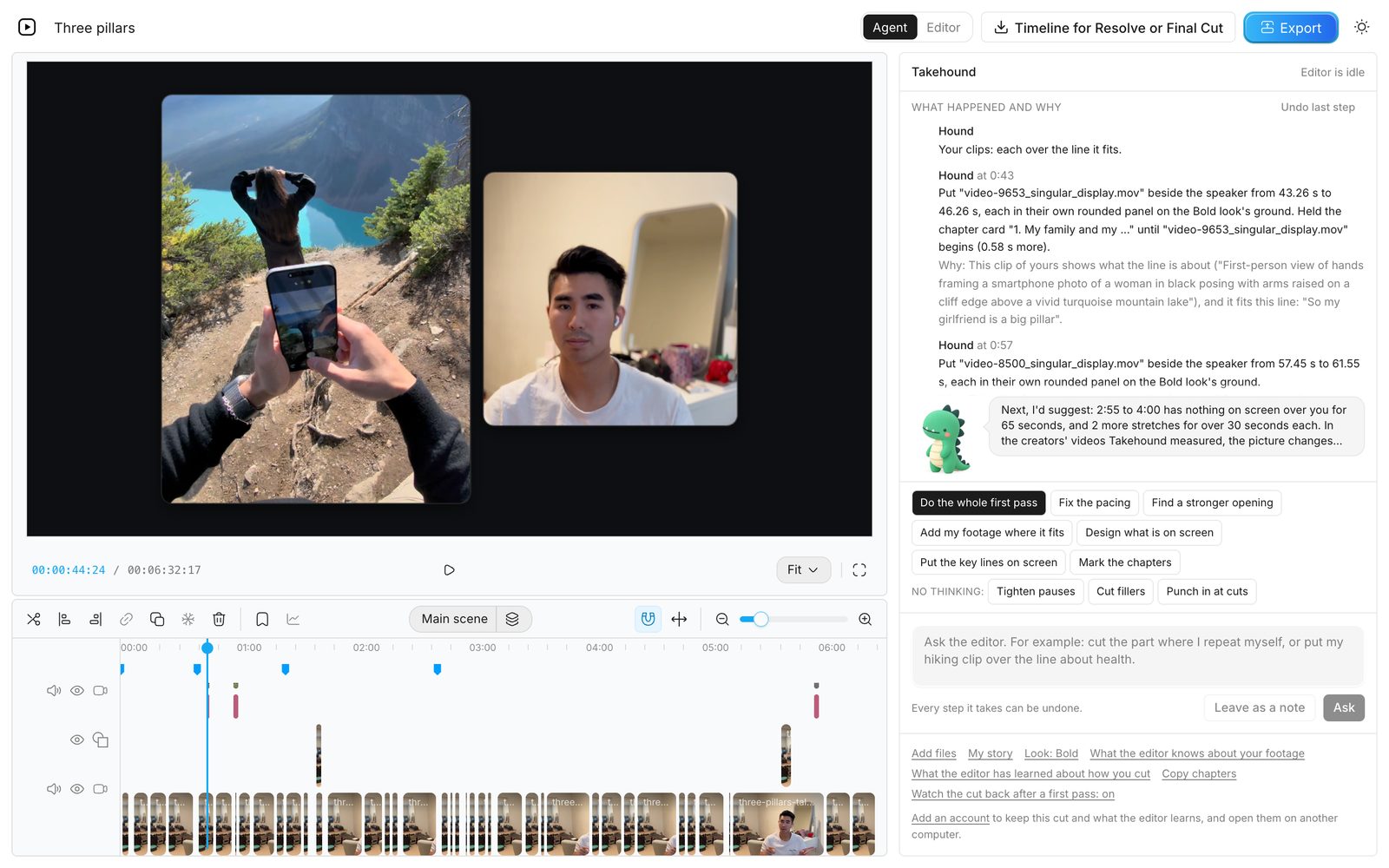
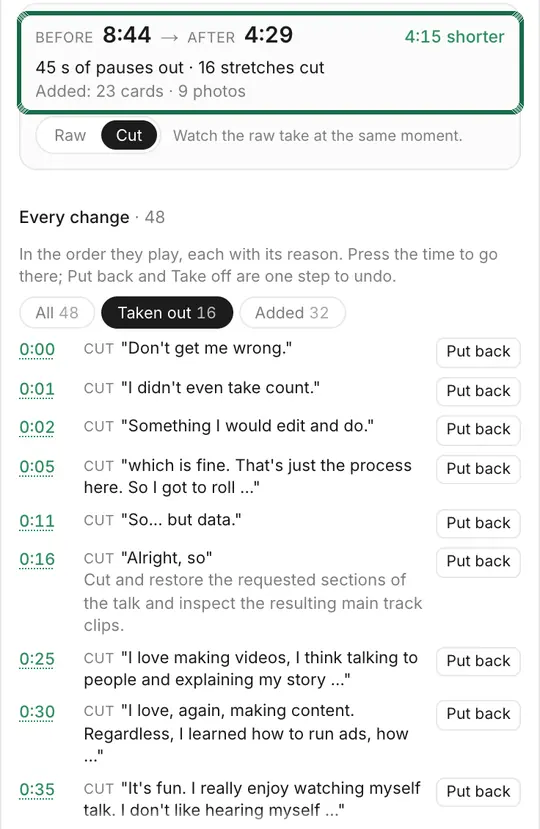
B-roll need not cover much. An earlier cut of this talk's first 50 seconds kept three cutaways, 14.5 seconds in all, and 4 of its 7 lines stayed on the speaker. That cut is laid out in how to edit a talking head video with B-roll.
3. Words on screen
Lists and key lines go on screen in the speaker's own words, so a viewer can follow by eye as well as by ear. Here my four goals come up one by one as I say them, from 96.32 to 104.12 seconds of the 6:32 cut, and the picture of me moves to the left while the list is up.
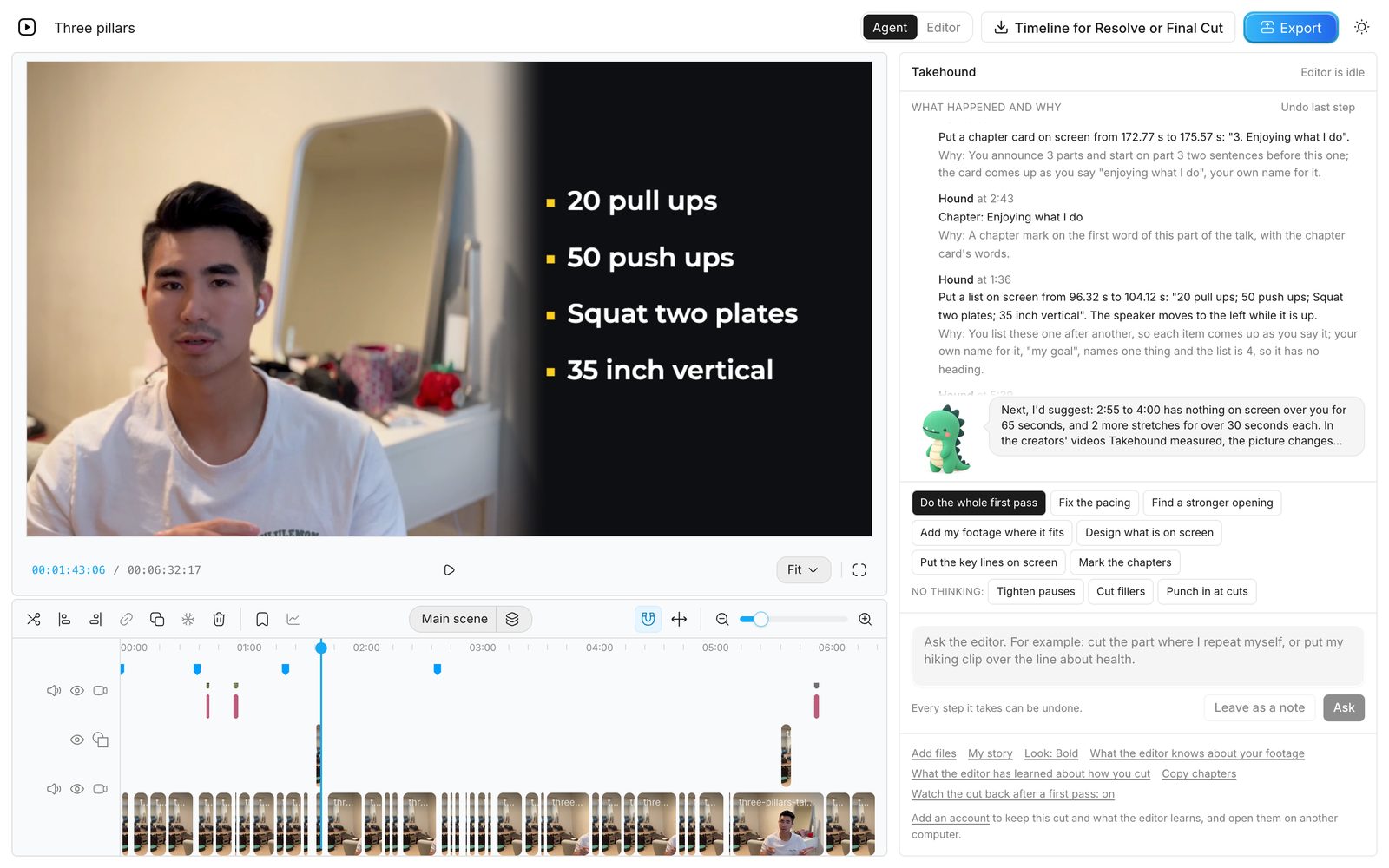
This is still a person's call. On the 6:32 cut Hound pointed out that 2:55 to 4:00 had nothing on screen over me for 65 seconds, and two more stretches ran over 30 seconds each. Whether those stay plain is a choice about the talk, not a rule.
For how three well-known creators fill the screen, see how much B-roll top talking-head YouTubers use: in the first five minutes of one video each, sampled 2026-11-09, a plain face was up 19% to 40% of the time.
The same three jobs by hand
- Cuts. Take out the pauses and retakes before adding anything. In DaVinci Resolve, turning on audio waveforms lets you see where sentences start and stop (Blackmagic's edit page, read 2026-11-01).
- B-roll. Put the clip above the talk on the timeline and mute its sound, so only the voice is heard. Final Cut: Edit > Connect to Primary Storyline, which Apple lists for cutaway shots (Apple's guide, read 2026-11-01). Resolve: the “place on top” edit from the same Blackmagic page, which uses the next available video track. Premiere: drag the clip from the Project panel to the Timeline panel (Adobe's guide, read 2026-11-01), onto a track above the talk.
- Words on screen. A title sits above the talk in the same way. Apple lists superimposed titles as a use of connected clips, and Blackmagic says place on top is great for adding titles and graphics.
Where Takehound fits
Those three jobs are what Takehound's first pass takes on. It is an AI video editor in Chrome on a laptop or desktop, for long talk-to-camera videos. Its agent is Hound, and on a talk he watches and listens to the cut. One press makes a first pass on your recording: he cuts long pauses, filler words and repeated takes, places your own footage on the lines it fits, and puts key lines on screen, with a reason for each change.
B-roll is only your own footage, and a line none of it fits stays on you. It edits recordings and makes no avatars. Steer Hound in plain words, and he learns how you cut. Then export an MP4, or a timeline (FCPXML) that imports into DaVinci Resolve, where its clips then need relinking to your footage. It does not export to Premiere, and the file has not been tested in Final Cut.
Sign in with Google for a free first video. See privacy.
Other tools place your own clips too: AI B-roll from your own footage compares nine of them.
See how Takehound worksQuestions
What is an example of a talking head video?
A YouTube explainer with one person speaking to the lens, a lesson in a course, or a founder's update. The first frame on this page is from one.
What does talking head mean?
A televised head and shoulders shot of a person talking, and also a television personality who appears in such shots. Both senses are in Merriam-Webster's entry, read 2026-11-01.
Is an AI talking head the same thing?
No. An AI talking head is a generated presenter that speaks the words it is given. A talking head video in the sense used here is a recording of a real person. Takehound edits recordings and makes no avatars.
Does a talking head video need B-roll?
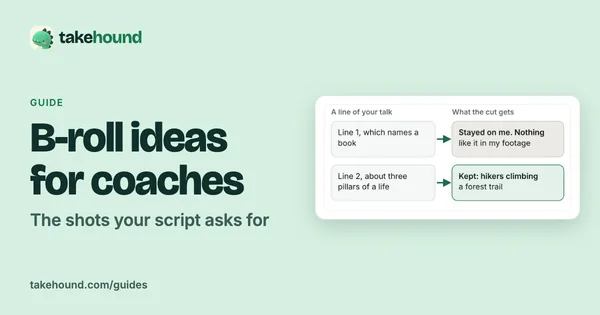
No. It can stay on the speaker when the talk holds up on its own, and a line with no fitting shot is better left that way. If you want some, B-roll ideas for coaches has a checklist of 20 shots.
Do I need a special camera?
No. The 7:23 talk on this page was recorded on an iPhone.
More guides
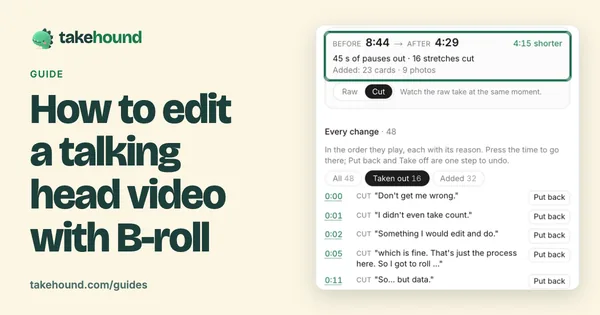
- How to edit a talking head video with B-roll
When to cut away or stay on the speaker, shown cut by cut on one real 50-second talk.
- B-roll ideas for coaches: the shots your script asks for
What one real 50-second talk asked for, line by line, and a checklist of 20 shots to film or find in your camera roll.
- How to brief a video editor: what to send, with a template
A seven-part brief and copy-ready template for coaches handing a script and footage to a video editor.