A look
Blurred room
by Takehound
Your own room, heavily blurred and darkened behind white capitals, so a full card keeps the feel of the video instead of cutting to a black slide.
Starts from Bold
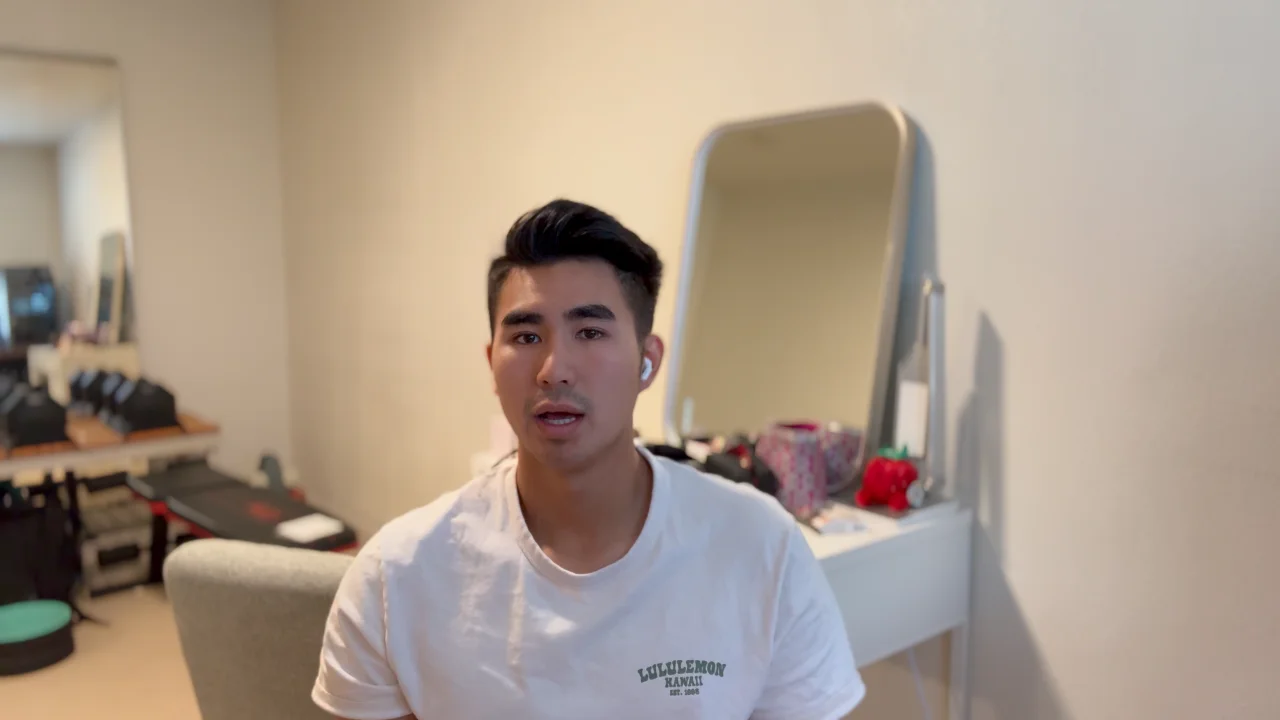
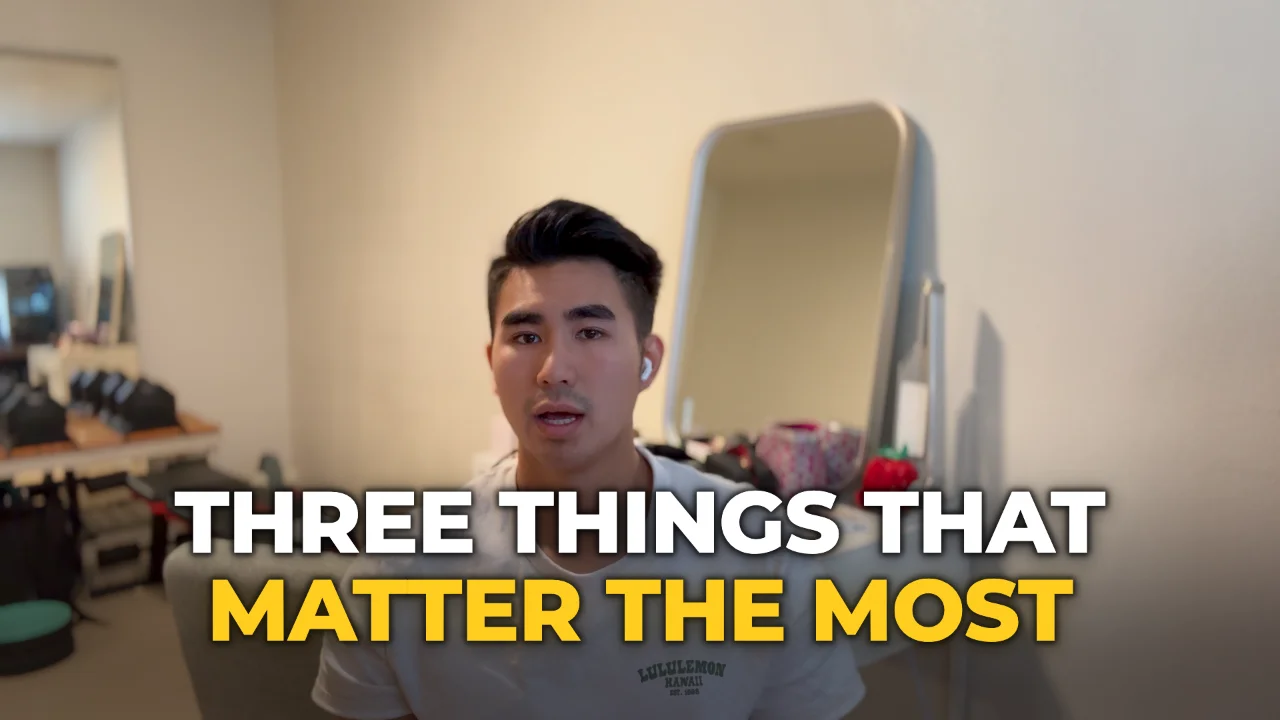
One frame of a real talk, as shot and with a punch line drawn by the editor in Blurred room: Montserrat ExtraBold in capitals, with the stressed words coloured with the accent, lightened to 55% so they read over the picture. Slide to compare. Every word on it was said in the talk.
When to use it
Use it on a talk with a lot of full cards: chapters, statements, a number on its own. Behind the words is your own recording, blurred and darkened, playing on while the card is up, so the video never drops to a black slide and comes back. You can still feel the person talking behind the type, which keeps a run of cards from reading as a slide deck. It works best in a room with some colour or warm light in it, because that colour is what you see behind the words.
Who it suits
It suits a creator who films in one place and wants their cards to feel part of that place, with no brand colour to carry. If your background is plain white, the blur has little to give and a colour from your video may do more. Nothing behind the words is anything but your own footage, which is the point: no stock texture or template picture comes between you and the viewer.
What it changes
Blurred room starts from Bold and sets what stands behind its words. Whatever it leaves alone is Bold's.
Type, as in Bold
- Key phrases over your video
- Montserrat ExtraBold, in capitals
- Stressed words
- The same type, in the accent
- Titles on a full card
- Montserrat ExtraBold, in capitals
- Running words
- Montserrat Medium
Motion and shape
- Behind the words
- Your own footage, blurred, with a fine grain Bold: The look's own colour, with a fine grain, under a slow moving light
- Words come up
- 0.05 s apart
- Corners on a 1080p video
- Panels 24 px, cards 24 px
- The accent over your video
- Lightened to 55% so it reads on the picture, its hue kept
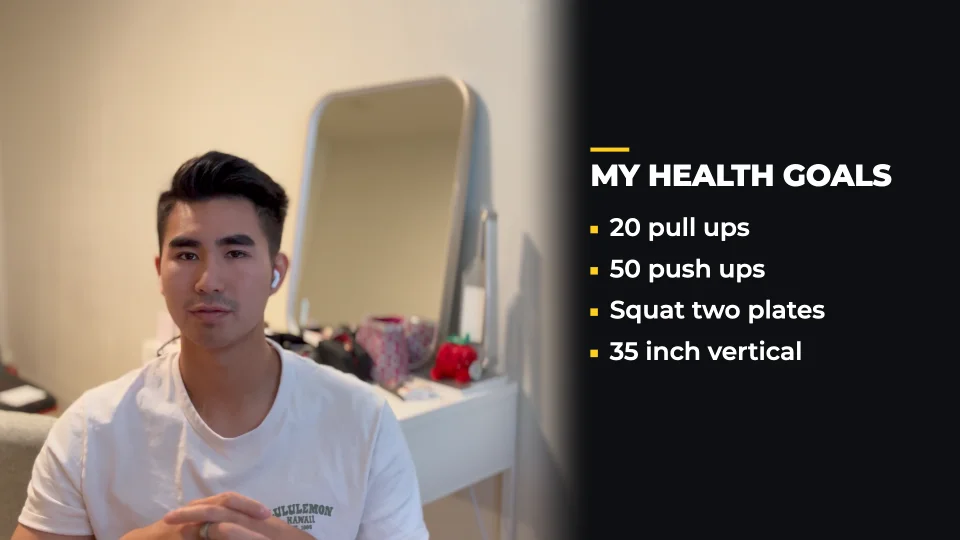
Its cards are built as Bold builds them: lists on a scrim that darkens the picture beside you, chapters as numbered rings.

How it works
- Sign in with GoogleYour first video is free, a recording of up to 30 minutes.
- Open the editor on this lookAdd your talk and your own footage. The editor opens on this template.
- Watch Hound workStop him at any point. Every change he makes can be undone.